✅ Recommended Method: Use the JavaScript Adapter to intercept Stripe.js calls - no PHP modifications needed!
Step 1: Add PayGlobe Scripts to your theme
Add this to your theme's functions.php or use a plugin like "Insert Headers and Footers":
add_action('wp_enqueue_scripts', function() {
if (is_checkout()) {
wp_enqueue_script(
'payglobe-sdk',
'https://api.payglobe.it/mandala/js/payglobe.js',
[],
'1.0.0',
false
);
wp_enqueue_script(
'payglobe-stripe-adapter',
'https://api.payglobe.it/mandala/js/payglobe-stripe-adapter.js',
['payglobe-sdk'],
'2.6.0',
false
);
wp_dequeue_script('stripe');
wp_deregister_script('stripe');
}
}, 100);
Step 2: Override API Base URL (PHP)
Modify includes/class-wc-stripe-api.php to point to Mandala:
public static function get_client() {
return new \Stripe\StripeClient([
'api_key' => self::get_secret_key(),
'stripe_version' => '2023-10-16',
'api_base' => 'https://api.payglobe.it/mandala',
]);
}
Step 3: Configure WooCommerce Settings
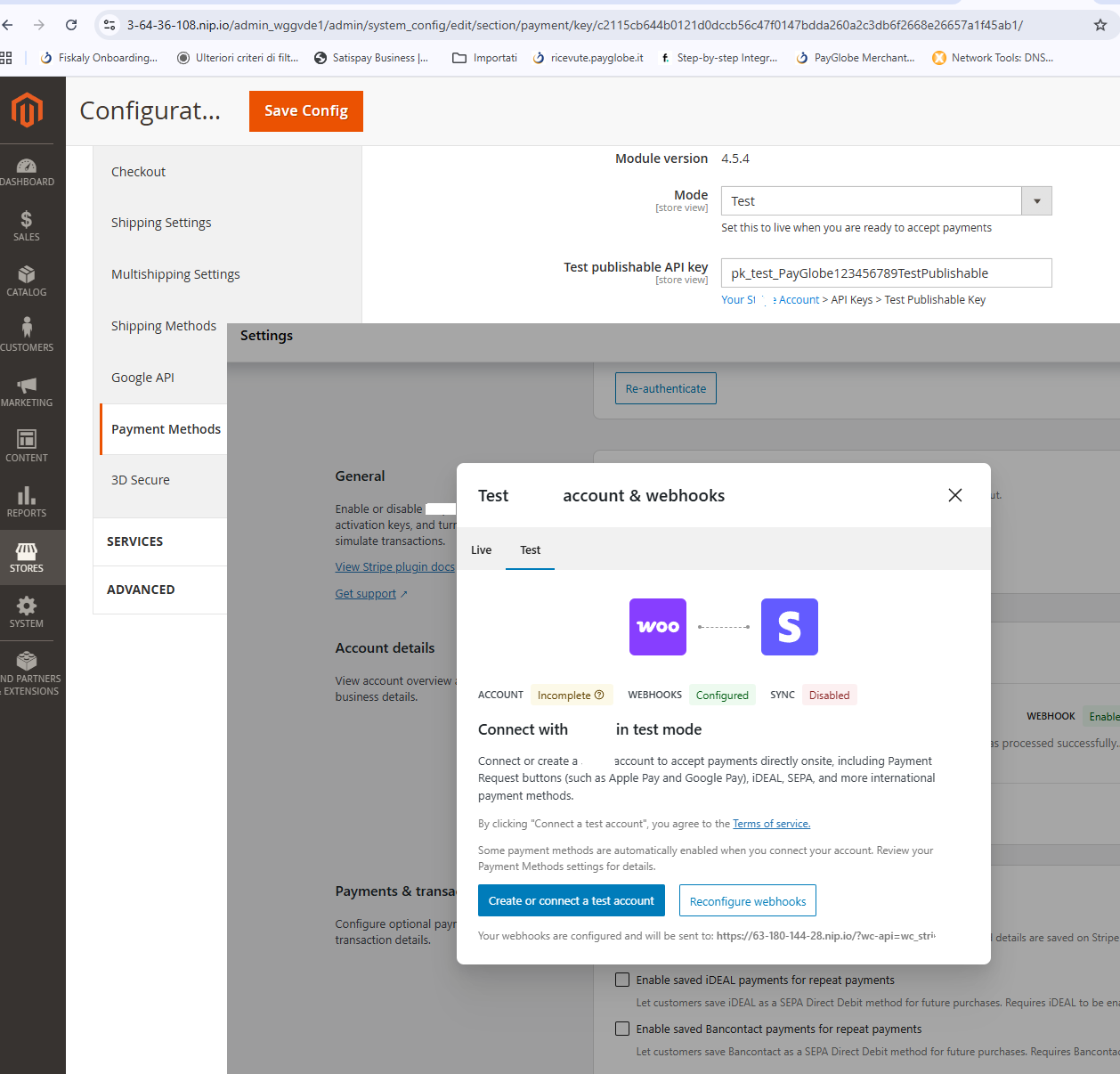
In WooCommerce → Settings → Payments → Stripe:
1. API Keys
Use your Mandala/PayGlobe keys (format: pk_test_... / sk_test_...)
2. Payment Request Buttons
Disable Apple Pay / Google Pay (not supported via Mandala)
3. Inline Credit Card Form
Can be enabled - adapter shows placeholder, then opens modal on "Place Order"
How It Works
Frontend Flow:
- Customer fills checkout form
- Clicks "Place Order"
- WooCommerce creates PaymentIntent via Mandala API
- Adapter intercepts
stripe.confirmPayment()
- Modal opens with secure payment form
- After payment → redirect to order-received
HTTP Sites (no HTTPS):
- Payment gateway requires HTTPS for iframe (CSP)
- Adapter auto-detects HTTP protocol
- Falls back to full-page redirect
- After payment → redirect back to WooCommerce
⚠️ Important: For production, use HTTPS. The redirect fallback works but provides a less seamless UX than the modal.
Webhook Configuration (Optional)
For order status updates via webhook:
protected function verify_webhook_signature($body) {
$signature = $_SERVER['HTTP_X_PAYGLOBE_SIGNATURE']
?? $_SERVER['HTTP_STRIPE_SIGNATURE']
?? '';
$expected = base64_encode(hash_hmac('sha256', $body, $this->secret, true));
return hash_equals($expected, $signature);
}
Step 4: Order Completion Handler (Required)
Add this PHP code to handle redirect after payment. WooCommerce needs to complete the order when returning from the payment gateway:
add_action('template_redirect', function() {
if (!is_checkout() || !isset($_GET['payment_intent']) ||
!isset($_GET['redirect_status'])) {
return;
}
if ($_GET['redirect_status'] !== 'succeeded') {
wc_add_notice('Payment failed. Please try again.', 'error');
return;
}
$payment_intent_id = sanitize_text_field($_GET['payment_intent']);
$orders = wc_get_orders([
'meta_key' => '_stripe_intent_id',
'meta_value' => $payment_intent_id,
'limit' => 1,
]);
if (empty($orders)) {
$orders = wc_get_orders([
'meta_key' => '_payment_intent_id',
'meta_value' => $payment_intent_id,
'limit' => 1,
]);
}
if (empty($orders)) {
error_log('[PayGlobe] Order not found for PI: ' . $payment_intent_id);
return;
}
$order = $orders[0];
if (!in_array($order->get_status(), ['pending', 'failed'])) {
wp_redirect($order->get_checkout_order_received_url());
exit;
}
$order->payment_complete($payment_intent_id);
$order->add_order_note(
sprintf('Payment completed via PayGlobe Mandala (PI: %s)', $payment_intent_id)
);
WC()->cart->empty_cart();
wp_redirect($order->get_checkout_order_received_url());
exit;
}, 5);
⚠️ Why is this needed?
When using redirect mode (HTTP sites or external payment page), WooCommerce loses the session context. This handler intercepts the return redirect and completes the order based on the payment_intent parameter.
💡 Testing: Use pk_test_... keys and test cards. The adapter logs debug info to browser console (F12).